Skip to content
No results
  • WordPress tutorials
    • WordPress Customization
    • WooCommerce Tutorials
    • WordPress SEO
    • WordPress Security
    • WordPress Development
  • Need help?
WPCookie logo
  • WordPress tutorials
    • WordPress Customization
    • WooCommerce Tutorials
    • WordPress SEO
    • WordPress Security
    • WordPress Development
  • Need help?
Join WPCookie PLUS+
Login
PLUS+
  • Wordpress tutorials

Add Post and Product Carousel in WordPress [without plugins]
how to add carousel in Wordpress without plugin

To add post and product carousels in Wordpress, first copy the following code into the functions.php file: Then go to your desired page and add your list of posts with the Query Loop block, and finally add the [carousel] shortcode to your page.


  • Maya
  • August 2, 2022
  • 2 Comments
PLUS+
  • Wordpress tutorials

Image slider in WordPress without plugins

image slider in Wordpress without plugin

To add a slider image in WordPress, first copy the following code into the functions.php file. Then go to the desired page and design your slides with the Cover block, and finally add the [slider] shortcode to the page.

  • Maya
  • July 25, 2022
  • 11 Comments
  • Wordpress tutorials

Duplicate a page in WordPress without plugins

How to duplicate a page in wordpress without plugin

To duplicate pages in WordPress, first copy the following code into the functions.php file and update the file. Now,  if you go to the pages section in the WordPress dashboard, you will see the duplicate button next to each page.

  • Maya
  • July 21, 2022
  • Wordpress tutorials

How to Add Keywords in WordPress [without plugins]

How to Add Keywords In WordPress Without Plugins

To add keywords in WordPress, first copy the code from step one into the functions.php file, then go to each post and create a new custom field named "keywords" and enter your keywords in it.

  • Maya
  • July 16, 2022
  • 3 Comments
  • Wordpress tutorials

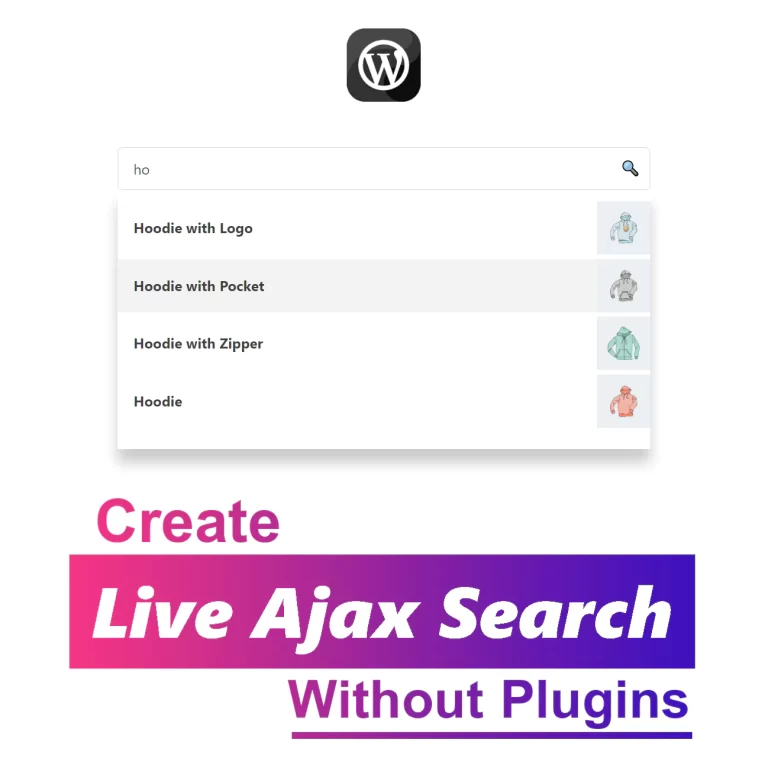
How To Add Live Ajax Search In WordPress [without plugins]

How To Add Live Ajax Search In WordPress

To add live Ajax search in WordPress, first copy the code from step one into the functions.php file, then go to the desired page and add an Ajax search to the page with the [asearch] shortcode.

  • Maya
  • July 13, 2022
  • 27 Comments
  • Wordpress tutorials

How to add meta description in WordPress [without plugins]

add meta description in wordpress without plugin

To add meta description in Wordpress, first add the code in step 1 to the functions.php file. Now the excerpt text of your articles will be placed in the head of the site as a meta description.

  • Maya
  • July 10, 2022
  • 2 Comments
  • Wordpress tutorials

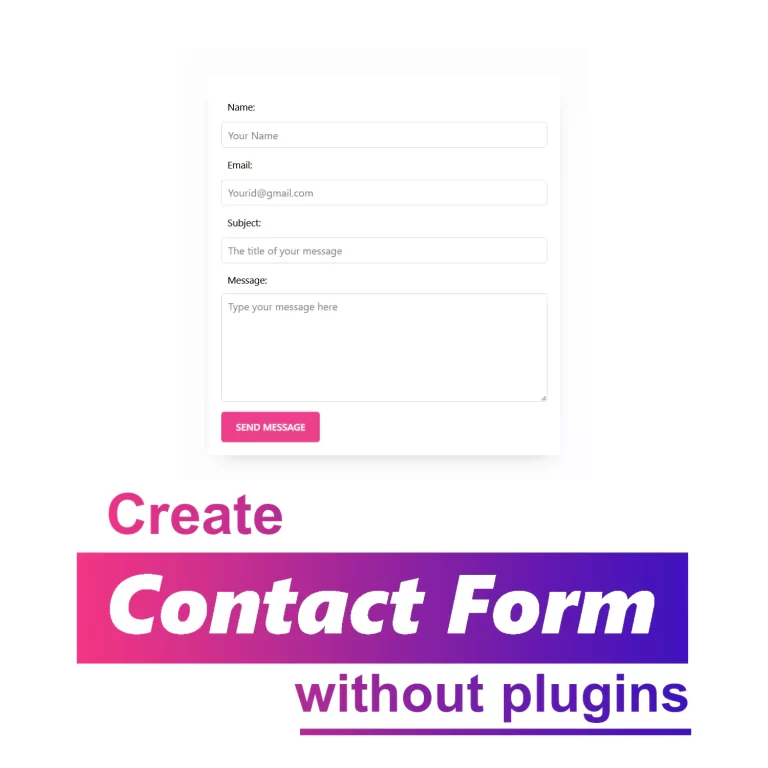
Add Contact Form in WordPress without plugins

how to add contact form in wordpress without plugin

To add a contact form in Wordpress, first go to the functions.php file and copy the form processor code from step one into it. Then go to the contact page you created and paste the HTML code of the form from step two in a custom HTML block and publish the page.

  • Maya
  • July 5, 2022
  • 12 Comments
  • Wordpress tutorials

How to add PHP code in WordPress [without plugins]

how to add PHP code in wordpress

To add PHP code in WordPress, first create a child theme, then go to the functions.php file and paste your code in it, use guide below to insert PHP code in Wordpress for Only Specific Pages.

  • Maya
  • June 29, 2022
  • Wordpress tutorials

How to add preloader in WordPress [without plugins]

preloader in Wordpress without plugin

To add a preloader in Wordpress, first copy the code of the second step in the functions.php file, then replace the link of your desired animation loader with the default loader and enter the duration of the loader display, and save the file.

  • Maya
  • June 26, 2022
  • 4 Comments
  • Wordpress tutorials

How to change wp-admin URL [Without Plugins]

How to change wp-admin url Without Plugin

To change the wp-admin URL, first rename the "wp-login.php" file, then edit the "wp-login.php" file and replace "wp-login.php" with the new login name and save the file.

  • Maya
  • June 24, 2022
  • 1 Comment
Prev
1 … 3 4 5 6 7
Next

Useful links

  • Need help?
  • Sponsorships
  • Contact me

Tutorials

  • WordPress Customization
  • WooCommerce
  • SEO
  • Security

Follow me

Copyright © 2026 - WPCookie